
Graphic design is evolving at breakneck speed, and AI is the engine powering the next wave of creativity. From instant image generation to intelligent layout suggestions, designers now have a toolbox that can turn ideas into polished visuals in minutes rather than days. In this guide, we’ll explore the top AI tools that are reshaping the design workflow and helping creators stay ahead of the curve.
AI-Powered Image Generation
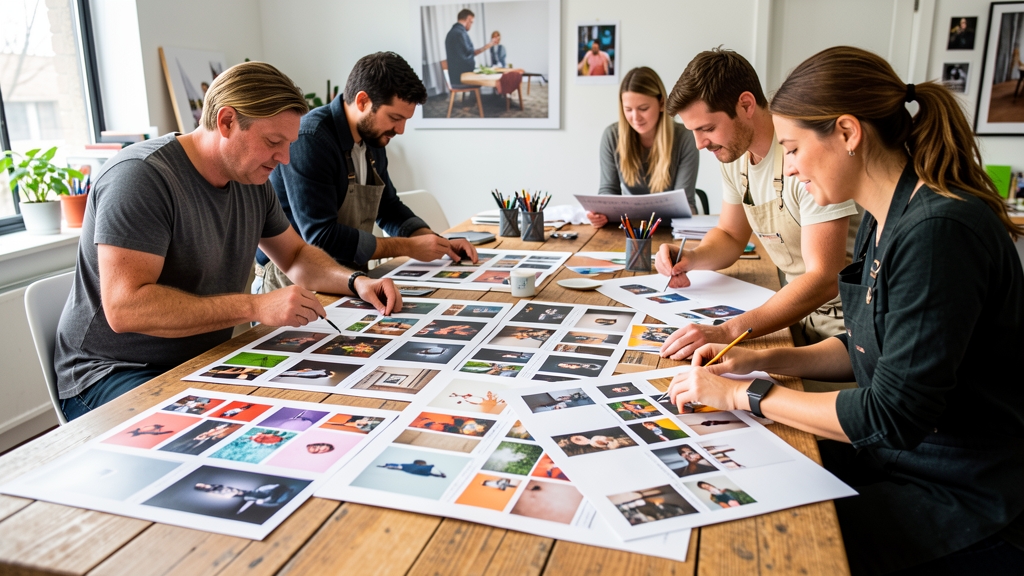
Tools like Midjourney, DALL·E, and Stable Diffusion let designers generate high‑quality visuals from simple text prompts. Whether you need a surreal illustration for a campaign or a quick concept sketch, these models produce diverse outputs that can be refined further in traditional software. The ability to iterate instantly reduces the time spent on mood‑boarding and opens up new creative directions that might not have been imagined otherwise.
Beyond static images, some platforms now support vector‑based generation, allowing you to export scalable assets directly. This bridges the gap between AI creativity and the precision required for branding, print, and UI design, making the workflow smoother and more integrated.
Smart Vector Editing
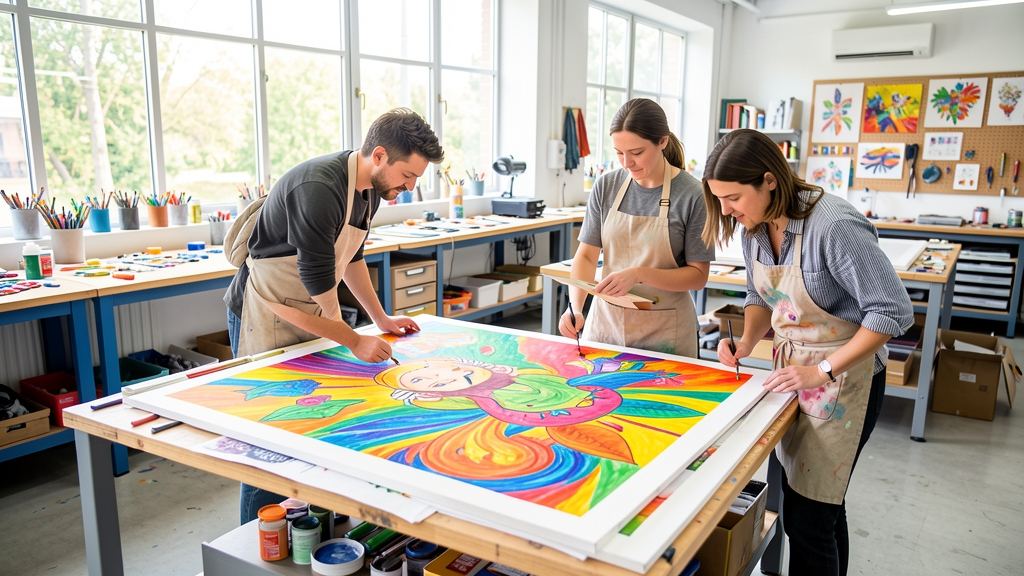
Vector tools such as Adobe Illustrator’s Firefly and Vectornator AI add intelligent assistants that understand shapes, paths, and typography. By describing the desired modification—like “smooth the curve of this icon” or “convert this sketch into a clean vector”—the AI automatically adjusts paths while preserving design intent. This speeds up repetitive tasks and ensures consistency across large asset libraries.
Moreover, AI‑driven auto‑coloring and pattern generation can fill complex shapes with harmonious palettes, freeing designers from manual trial‑and‑error and allowing them to focus on higher‑level concepts.
Automated Layout Design

Platforms like Canva’s Magic Design and Adobe Express use AI to suggest balanced layouts based on the content you upload. Upload a set of images and copy, and the system arranges them into professional‑looking grids, flyers, or social posts in seconds. These suggestions respect hierarchy, whitespace, and brand guidelines, giving you a solid starting point for further customization.
For complex multi‑page documents, AI can auto‑populate templates, adjust column widths, and align elements, dramatically cutting down the time needed for brochure or report design.
AI Color Palette Generators

Choosing the right colors is both an art and a science. Tools like Coolors AI, Khroma, and Adobe Color’s AI mode analyze your imagery or brand attributes and propose palettes that evoke specific moods. You can input keywords such as “energetic” or “vintage,” and the AI returns harmonious sets ready to be applied across your project.
These generators also suggest accessibility‑friendly variations, ensuring your designs meet contrast standards without extra effort. The result is faster, more confident color decisions that align with brand personality.
Intelligent Photo Enhancement

Photographers and designers alike benefit from AI‑enhanced editing tools like Luminar Neo, Topaz Labs, and Adobe Photoshop’s Neural Filters. These solutions can automatically remove backgrounds, upscale resolution, or apply style transfers with a single click. For example, you can transform a dull product shot into a vibrant, studio‑quality image in minutes.
Batch processing powered by AI also means you can apply consistent adjustments across dozens of photos, maintaining visual coherence across campaigns while saving countless manual hours.
AI-Driven Branding Assistants
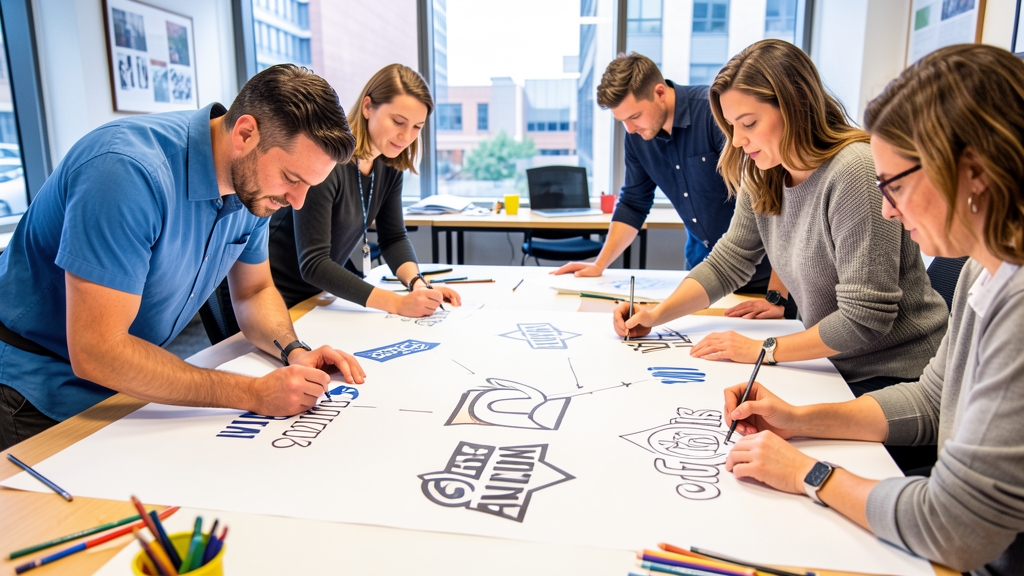
Branding platforms such as Looka, Brandmark, and Tailor Brands employ AI to generate logo concepts, typography pairings, and visual identities based on brief inputs. By answering a few questions about your business values and industry, the AI produces multiple logo variations, each with a cohesive color scheme and style guide.
This rapid ideation phase accelerates the brand discovery process, allowing designers to iterate on AI‑generated concepts, refine them, and deliver a polished brand package in a fraction of the traditional timeline.
Content-Aware Design Suggestions
Emerging tools like DesignScape and Figma’s AI plugins analyze your existing design files and propose context‑aware improvements. They might suggest aligning elements, adjusting typographic hierarchy, or adding visual accents that match the overall aesthetic. By learning from your past work, the AI becomes a personalized design mentor.
These suggestions are not prescriptive; they serve as inspiration, helping designers break creative blocks and maintain consistency across large projects or team collaborations.
Future Trends in AI for Graphic Design
The next frontier includes generative 3D assets, real‑time AI‑driven animation, and deeper integration of AI within design handoff tools. As models become more multimodal, designers will be able to describe motion, sound, and interactivity in natural language, receiving ready‑to‑use prototypes instantly.
Staying informed about these trends ensures you can adopt the most effective tools early, maintaining a competitive edge and continuously expanding the creative possibilities at your fingertips.
AI is no longer a futuristic buzzword—it’s a daily partner in the graphic designer’s workflow. By leveraging the tools highlighted above, you can accelerate ideation, maintain consistency, and push creative boundaries. Ready to experience AI‑enhanced design in action? Try DesignStager today and see how intelligent automation can transform your projects from concept to stunning reality.