
In a world flooded with information, audiences crave clarity and focus. Minimalist presentation design strips away the noise, delivering a message that resonates without distraction. This guide walks you through the essential principles, tools, and tactics to craft slides that are both simple and unforgettable.
Understanding Minimalism in Presentations

Minimalism isn’t about removing content; it’s about emphasizing what truly matters. By prioritizing core ideas, you give your audience space to absorb and retain information. This approach aligns visual hierarchy with the narrative flow, ensuring each slide serves a purpose.
Adopting a minimalist mindset starts with asking yourself: What is the single takeaway for this slide? Anything beyond that becomes a candidate for removal or simplification, leading to cleaner, more persuasive decks.
Choosing the Right Color Palette

A restrained color palette amplifies visual impact. Limit your scheme to two or three complementary hues—one dominant, one accent, and a neutral background. This consistency guides the eye and reinforces brand identity without overwhelming viewers.
When selecting colors, consider psychological cues: blues convey trust, greens suggest growth, and warm tones can evoke excitement. Test your palette on different projectors to ensure readability under varied lighting.
Mastering Typography for Clarity
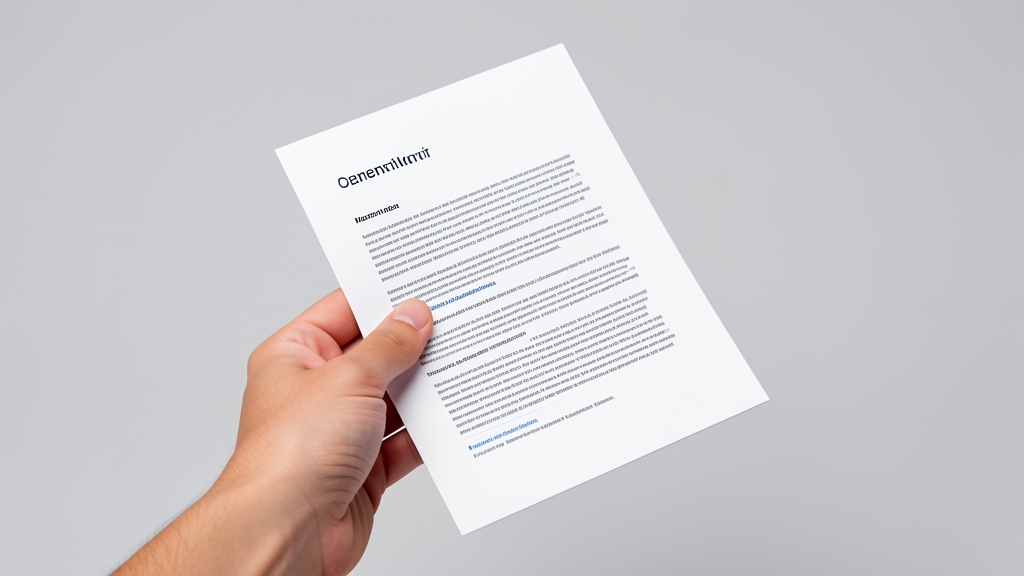
Typography is the voice of your slides. Choose a single sans‑serif typeface for headings and a complementary serif or lighter weight for body text. Maintain a clear hierarchy by using size, weight, and spacing strategically.
Avoid decorative fonts and keep line length short—no more than 40 characters per line. This enhances legibility and keeps the audience’s attention on the message, not the lettering.
Using Whitespace Effectively

Whitespace, or negative space, is the unsung hero of minimalist design. It creates breathing room, separates elements, and highlights focal points. Resist the urge to fill every inch; instead, let content float within generous margins.
Strategically placed whitespace can also guide the viewer’s journey across a slide, subtly directing attention from headline to visual to supporting text.
Simplifying Visual Elements

Images and icons should serve a purpose, not decorate. Opt for high‑quality photos that illustrate concepts directly, and use simple line icons to reinforce ideas without clutter.
When incorporating graphics, limit the number per slide to one or two and ensure they share a unified style. This cohesion maintains the minimalist aesthetic while adding visual interest.
Crafting Consistent Layouts

Consistency builds familiarity, allowing the audience to focus on content rather than format. Establish a grid system and apply the same margins, column widths, and alignment across all slides.
Reusable slide masters in DesignStager make it easy to enforce layout rules, ensuring each slide feels like part of a cohesive whole.
Limiting Content for Maximum Impact
Each slide should convey one idea. Use concise bullet points—ideally no more than three per slide—and support them with a single visual cue. This restraint prevents cognitive overload and makes key messages memorable.
When you need to present data, consider using a single, well‑designed chart rather than multiple tables. Simplicity in data presentation aligns with the minimalist ethos.
Testing and Refining Your Minimalist Slides
Even the most thoughtfully designed deck benefits from iteration. Preview your slides on different devices and lighting conditions to ensure colors, fonts, and images remain clear.
Gather feedback from peers, focusing on whether the core message shines through without distraction. Use DesignStager’s AI suggestions to fine‑tune spacing, contrast, and hierarchy for a polished final product.
Minimalist presentation design is a powerful tool for communicating with precision and elegance. By applying these principles—purposeful color, clean typography, strategic whitespace, and thoughtful content—you’ll create slides that captivate and persuade. Ready to elevate your decks? Try DesignStager’s AI‑driven templates and let our platform help you craft minimalist masterpieces in minutes.