
In today’s fast‑moving visual culture, a designer’s ability to craft presentations that captivate, inform, and inspire is more crucial than ever. From boardrooms to virtual webinars, audiences expect experiences that go beyond static slides. This guide uncovers the modern presentation trends every designer should know, equipping you with fresh ideas to elevate every deck you create.
Immersive Storytelling with Narrative Arcs
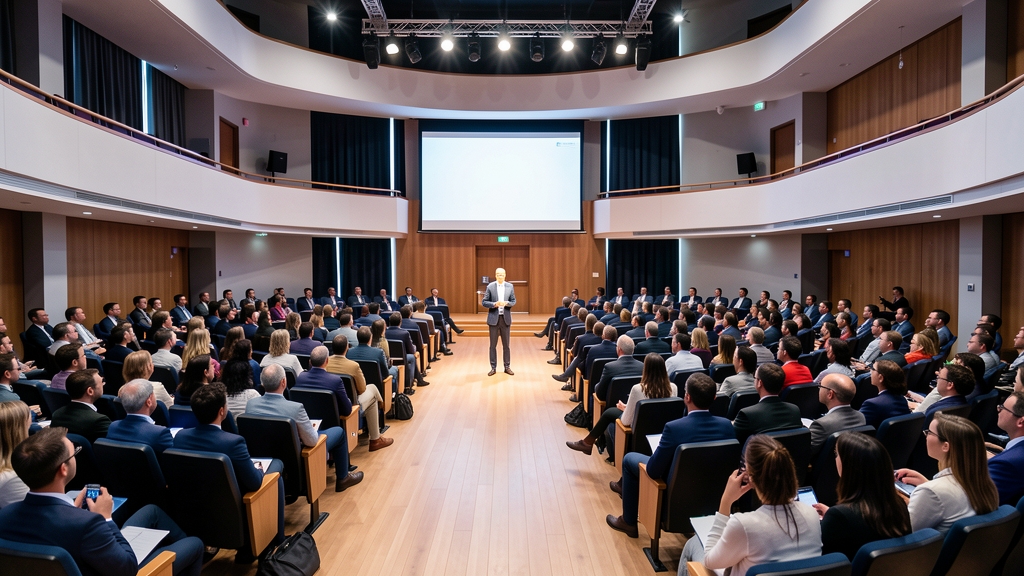
The most memorable decks follow the same structure as a great story: a clear beginning, a compelling conflict, and a satisfying resolution. Designers now map their content onto narrative arcs, using opening slides to set the scene, mid‑section slides to raise tension with challenges or data, and closing slides to deliver the payoff and call‑to‑action. This storytelling framework guides the audience’s emotional journey, making complex information feel personal and engaging.
Visual cues such as color shifts, rhythm in slide transitions, and strategic use of whitespace reinforce the story beats. By aligning typography, imagery, and pacing with the narrative flow, designers create a cohesive experience that keeps viewers invested from the first slide to the last.
Data Visualization that Speaks

Data is no longer just numbers on a chart; it’s a visual language that should speak directly to the audience. Modern designers favor clean, high‑contrast graphics that highlight key insights at a glance. Instead of cluttered bar graphs, they opt for simplified line or area charts, radial diagrams, and infographics that distill complex datasets into digestible visual stories.
Dynamic elements like animated reveals and hover‑over details add depth without overwhelming the viewer. By pairing data with contextual icons or subtle color gradients, designers turn raw figures into narratives that support the overall story arc, ensuring the audience remembers the most important takeaways.
Minimalist Aesthetic with Bold Typography
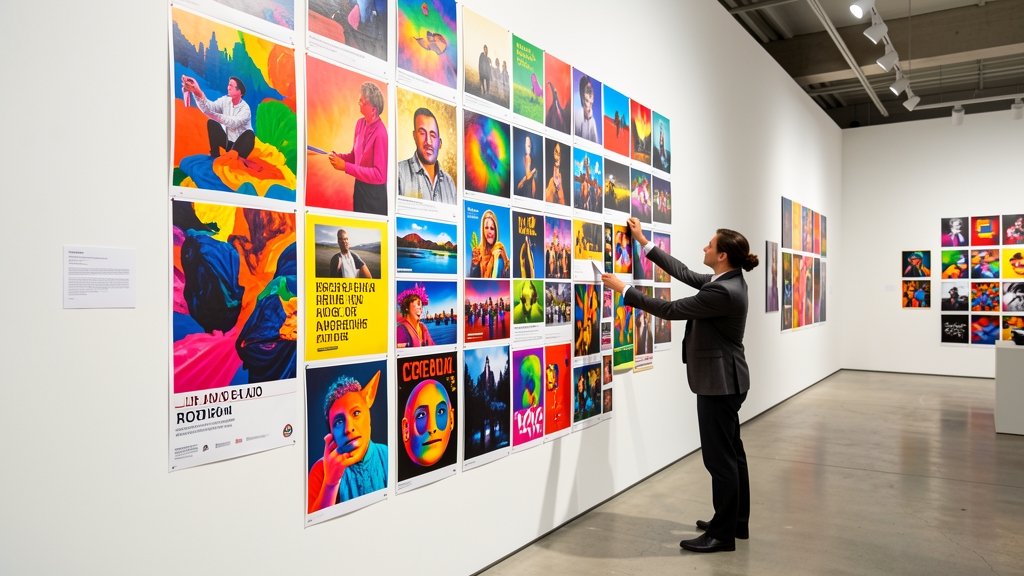
Minimalism continues to dominate, but the trend has evolved to include bold, expressive typography as the centerpiece. Designers strip away unnecessary embellishments, letting typefaces convey tone, hierarchy, and emotion. Large, sans‑serif headings paired with generous line spacing create visual impact while maintaining readability.
Contrast is key—pairing a heavyweight headline with a light body copy draws attention to the main message. Strategic use of color accents on select words or phrases adds a pop of personality without breaking the clean aesthetic. This balance of simplicity and typographic strength results in decks that feel modern and instantly legible.
Motion Design and Micro‑Animations
Subtle motion has become a powerful storytelling tool. Micro‑animations—such as a fade‑in of a key statistic, a slide‑in of a supporting image, or a quick scale‑up of an icon—guide the viewer’s focus and reinforce the narrative flow. When used sparingly, motion adds a sense of polish and professionalism.
Designers now rely on motion libraries that sync animation timing with the presenter’s speaking rhythm, creating a seamless, almost cinematic experience. The key is restraint; over‑animation can distract, whereas well‑timed motion enhances comprehension and keeps the audience engaged.
Interactive Elements and Live Polling

Interactive features transform passive viewers into active participants. Live polls, Q&A sliders, and clickable hotspots allow audiences to shape the presentation in real time, fostering a sense of involvement and ownership over the content.
Integrating these elements requires thoughtful placement—typically after a data‑heavy segment or before a critical decision point—to maintain flow while gathering valuable feedback. The result is a dynamic dialogue that makes the presentation feel personalized and responsive.
Sustainable and Ethical Design Choices

As environmental awareness rises, designers are adopting sustainable practices even in digital presentations. Choosing eco‑friendly color palettes inspired by nature, using recycled paper textures for print handouts, and minimizing file sizes to reduce energy consumption are becoming standard considerations.
Ethical design also means respecting cultural diversity and accessibility. Incorporating inclusive imagery, high‑contrast text for readability, and captioned visuals ensures that presentations are both responsible and universally understandable.
AI‑Powered Personalisation
Artificial intelligence now enables designers to tailor decks to specific audiences with unprecedented speed. AI tools can analyze viewer demographics, previous interactions, and even sentiment to suggest customized slide layouts, imagery, and language that resonate on a personal level.
Beyond content, AI can automate repetitive tasks such as aligning elements, generating data visualizations, or translating slides into multiple languages, freeing designers to focus on creative strategy and storytelling.
Hybrid and Remote Presentation Formats
The rise of hybrid events demands presentations that work flawlessly both in‑person and online. Designers are creating adaptable slide decks that maintain visual integrity across large screens, video conference windows, and mobile devices.
Key considerations include larger fonts for remote viewers, high‑contrast colors for varying lighting conditions, and modular slide sections that can be rearranged on the fly. By designing with flexibility in mind, presenters can deliver a consistent experience regardless of the audience’s location.
Staying ahead of these trends ensures your presentations not only look stunning but also resonate deeply with any audience. Ready to transform your decks with cutting‑edge techniques? Explore DesignStager’s AI‑powered tools today and bring your next presentation to life.
References & Further Reading
- Storytelling — Wikipedia
Overview of storytelling techniques used in presentations. - Data Visualization Trends To Watch — Forbes
Discusses emerging data visualization practices for designers. - Minimalist Design: How To Keep It Simple And Effective — HubSpot
Guidelines for minimalist aesthetics and bold typography. - Motion Design Is Shaping The Future Of UI — TechCrunch
Explores motion design and micro‑animations in modern interfaces.