

Triangular Flow Diagram PowerPoint Template with 4 Points
Triangular flow diagram PowerPoint template offers four editable slides with a clean design for easy presentation customization and visual appeal.
Description
Triangular flow diagram PowerPoint template offers four editable slides with a clean design for easy presentation customization and visual appeal.
This presentation template features a unique triangular flow design. Its clean lines and modern look make it suitable for various topics. The layout offers clarity and visual interest for any audience.Users can easily modify all text and color elements. This ensures your brand identity seamlessly integrates with the template. The design promotes engagement with its structured yet dynamic arrangement.The template's professional aesthetic enhances the delivery of complex information. It guides viewers through data points effectively. This makes it ideal for reports, proposals, or strategy sessions.Visual Steps for SuccessAdditionally, this triangular flow diagram PowerPoint template provides clear sections. Each point has dedicated space for headings and brief explanations. This structure supports focused communication and easy comprehension for all viewers.For example, you can use this presentation template to map out project phases. The editable slides allow you to label each triangle with a specific phase. This visual representation makes progress easy to track.In fact, the layered triangle shapes create a sense of depth. They draw the eye through the sequence of information. This makes it a compelling visual tool for storytelling.Therefore, this versatile slide design fits many needs. Its adaptable nature means you can repurpose it often. The thoughtful design helps your message resonate.On top of that, the PowerPoint template is built for user convenience. Drag-and-drop elements make customization quick. Professional results are achievable even for beginners.Similarly, the balanced use of color and white space ensures readability. This presentation template lets your content shine. Your audience will appreciate the clear, organized display.
Browse more PowerPoint Templates designs in our marketplace.
Learn more about graphic design trends and best practices.
Tags
More 4 Points explanation PowerPoint Templates
 Four-Step Yearly Timeline Diagram PowerPoint Template
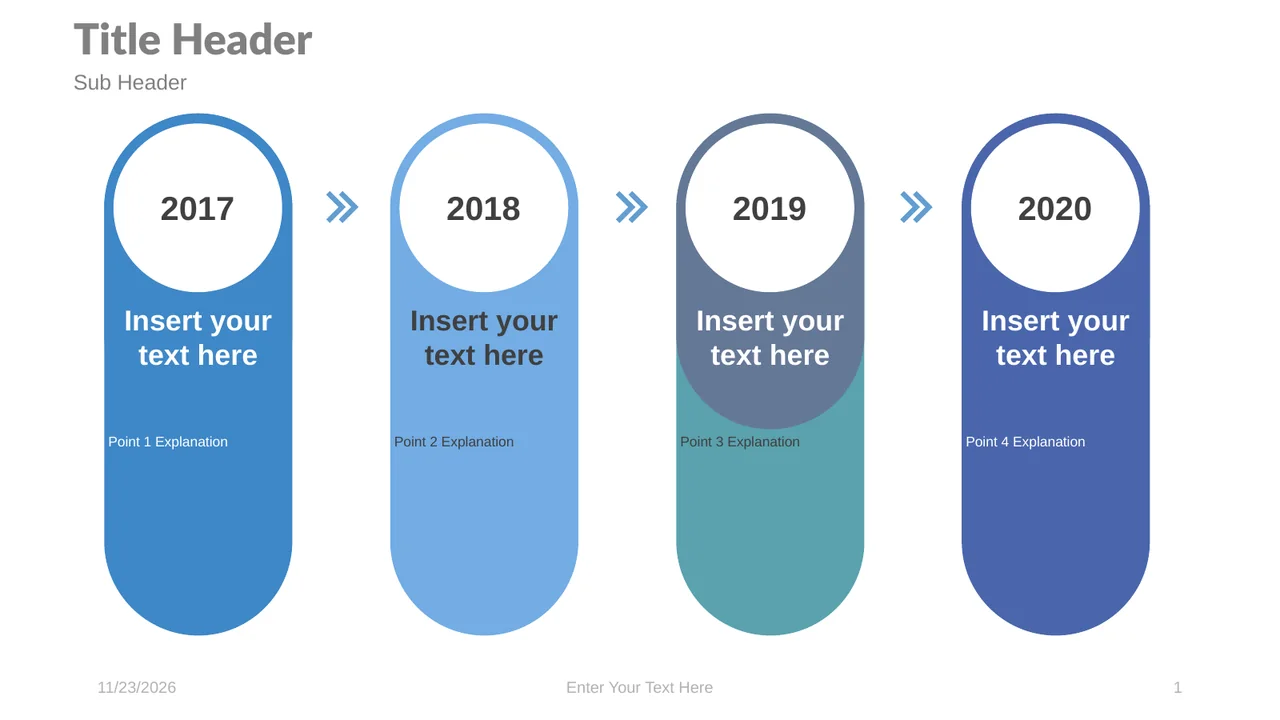 Four-Step Yearly Timeline Diagram PowerPoint Template – Overview Diagram
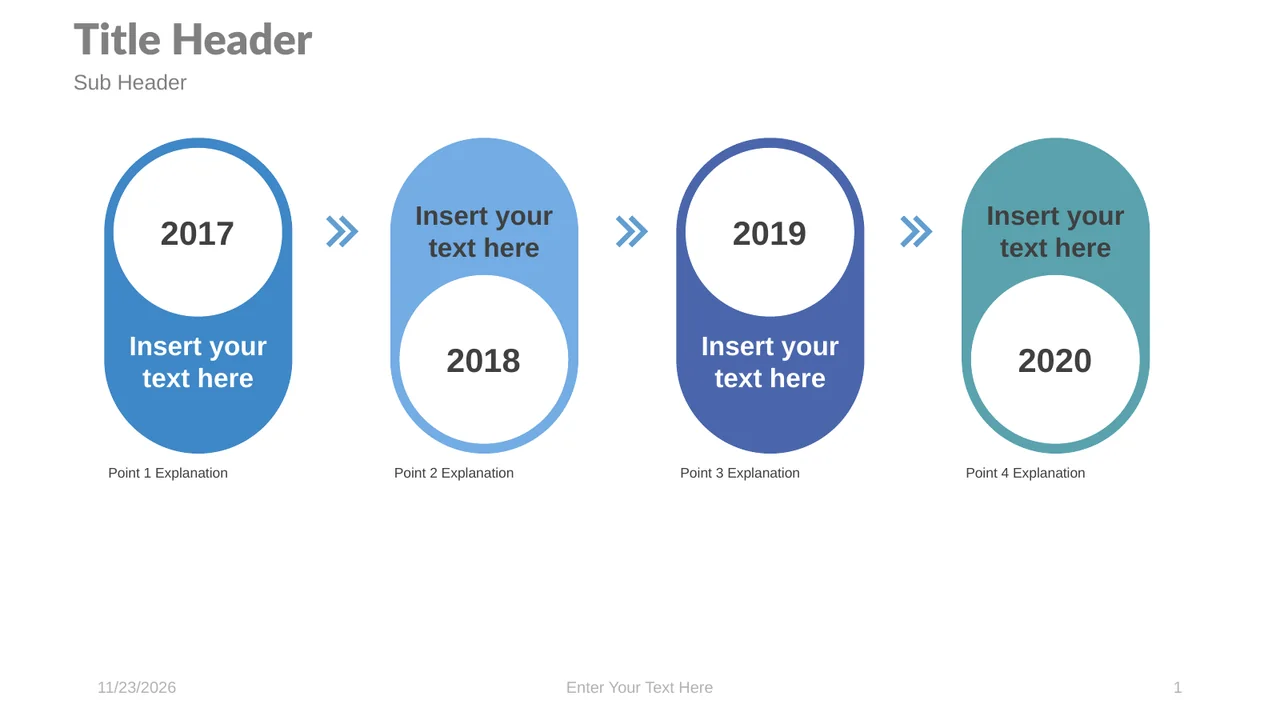 Four-Step Yearly Timeline Diagram PowerPoint Template – Summary Chart
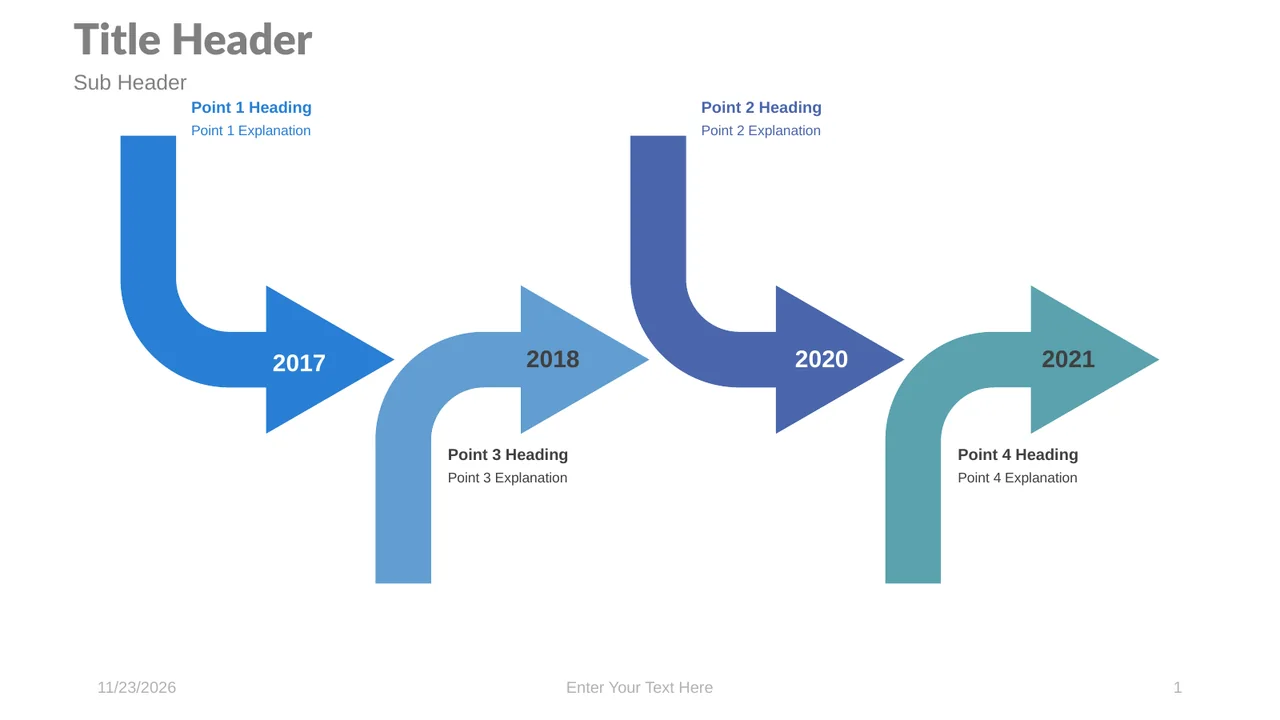 Four-Step Yearly Timeline Diagram PowerPoint Template – Visual Layout
 Four-Step Word Cloud PowerPoint Template – Visual Layout
 Four-Step Work From Home Enablement PowerPoint Template
 Four-Step Vision and Mission PowerPoint Template
 Four-Step Vision and Mission PowerPoint Template – Concept Framework
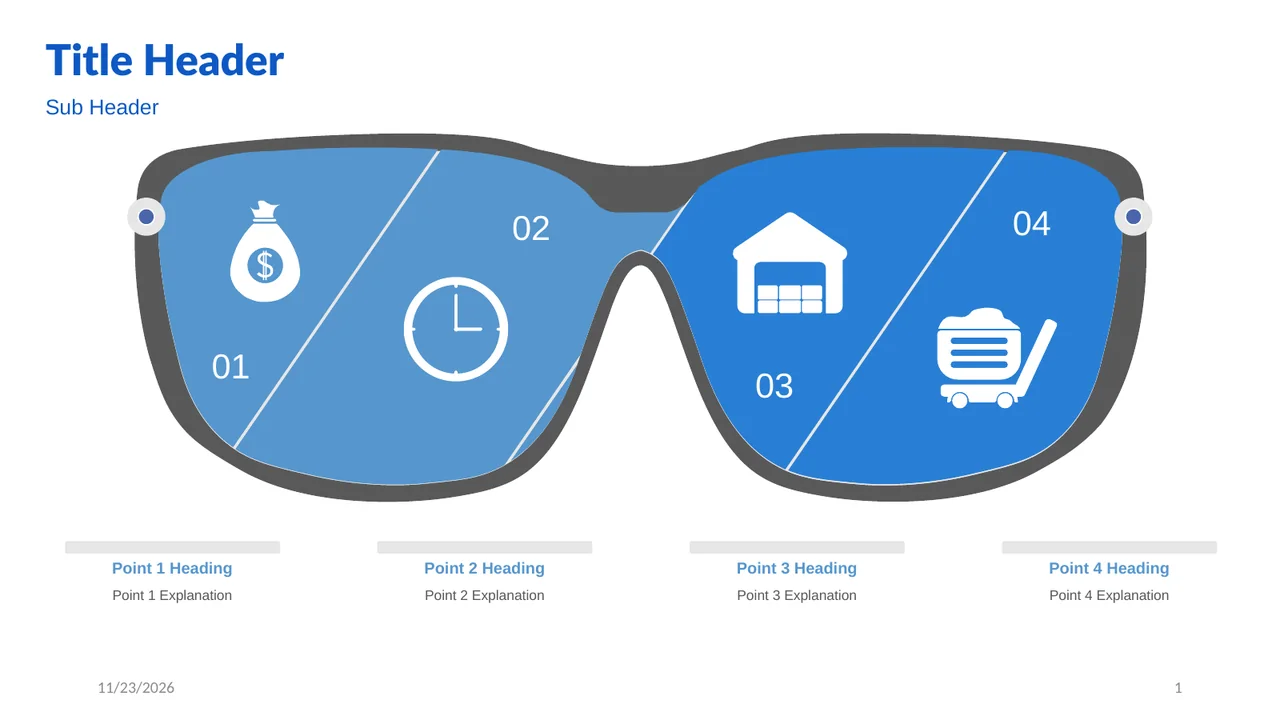 Four-Step VR AR MR Diagram PowerPoint Template – Concept Framework
 Four-Step VR AR MR Diagram PowerPoint Template
 Four-Step Triangular Diagram PowerPoint Template – Visual Layout
 Four-Step Triangular Diagram PowerPoint Template