
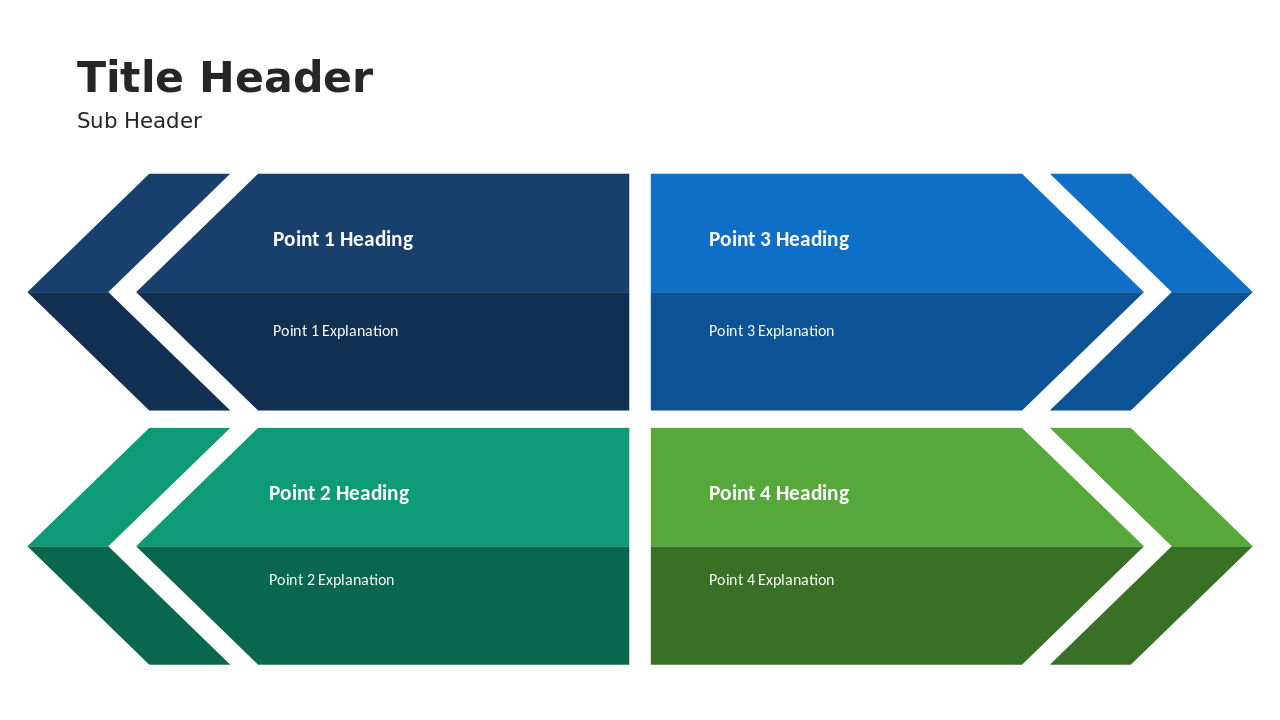
Arrow Diagram Four Steps PowerPoint Template Editable Slides for Sequential Process and Roadmap Presentations – Grid Layout
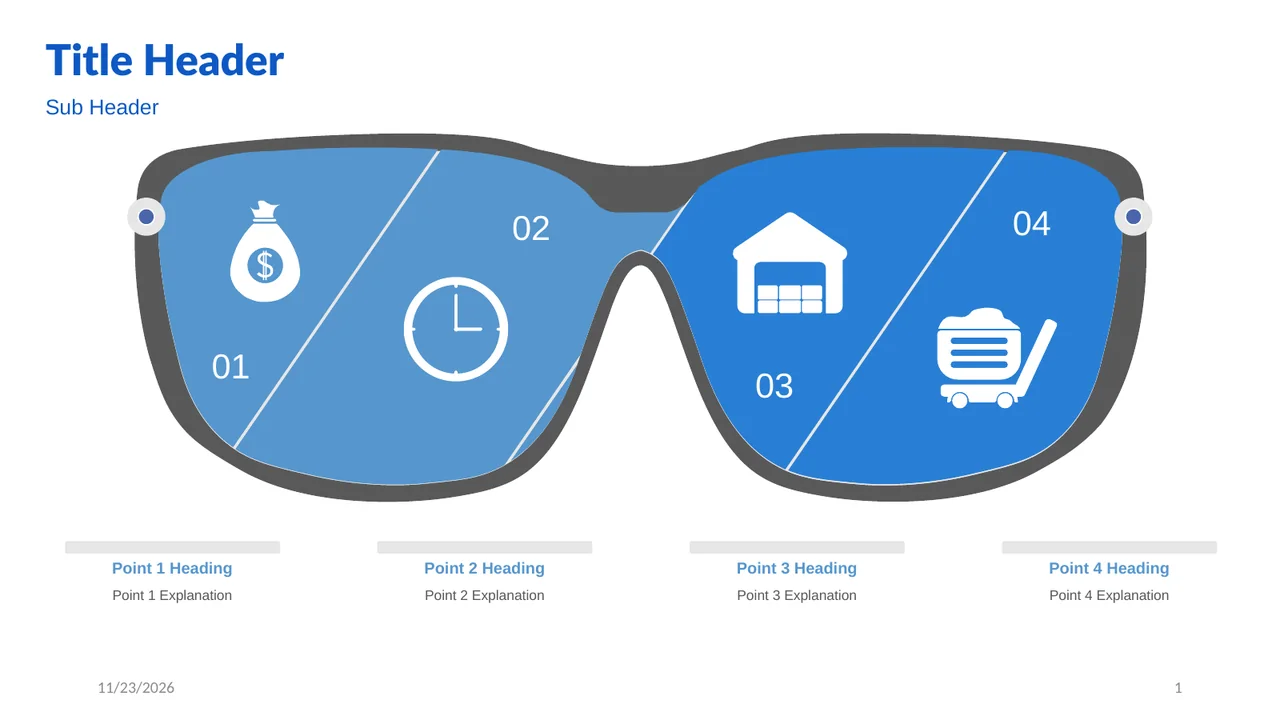
Arrow Diagram four steps PowerPoint template presents your content in a 2x2 grid layout, with 4 clearly numbered, icon-labeled sections built for sequential process and roadmap presentations.
ProPowerPoint (.pptx)
DownloadBrowse more 4 Points explanationDescription
Arrow Diagram four steps PowerPoint template presents your content in a 2x2 grid layout, with 4 clearly numbered, icon-labeled sections built for sequential process and roadmap presentations.
Every heading, icon, and shape is fully editable, so you can drop in your own text, swap colors, and resize elements to match your brand — ideal for sequential process and roadmap presentations and client-ready decks.
Tags
More 4 Points explanation PowerPoint Templates
 Four-Step Yearly Timeline Diagram PowerPoint Template
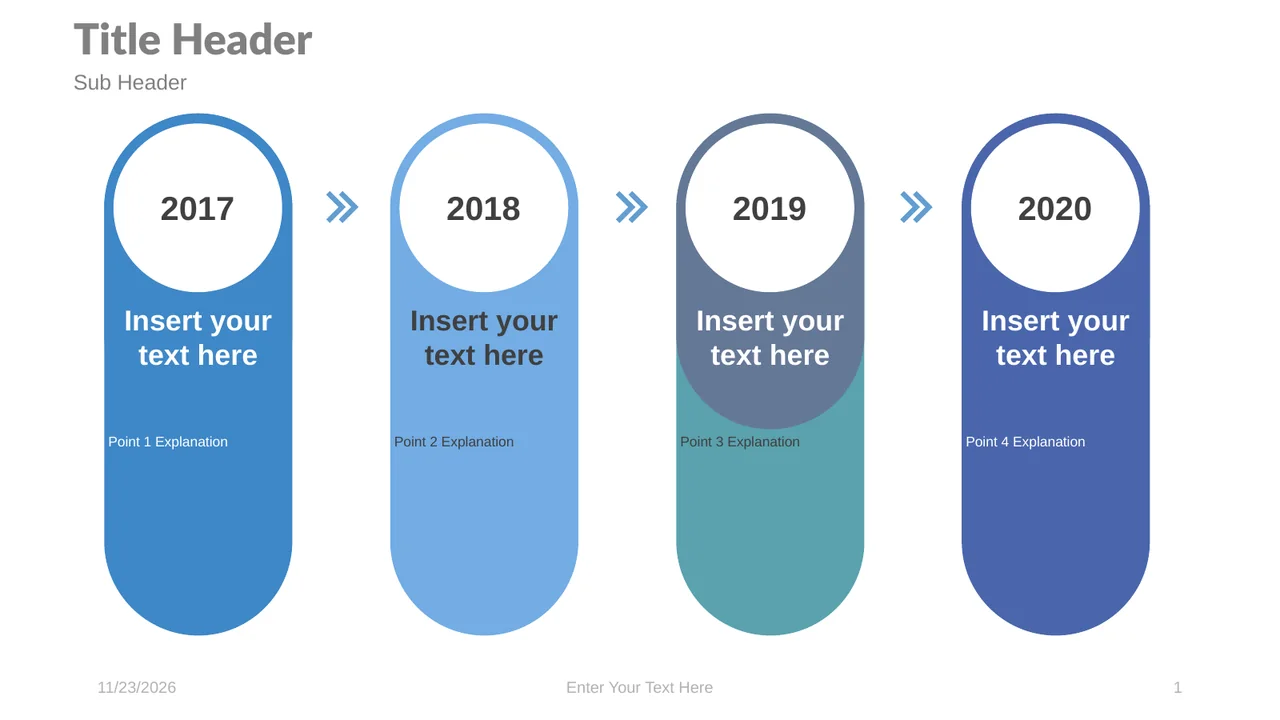 Four-Step Yearly Timeline Diagram PowerPoint Template – Overview Diagram
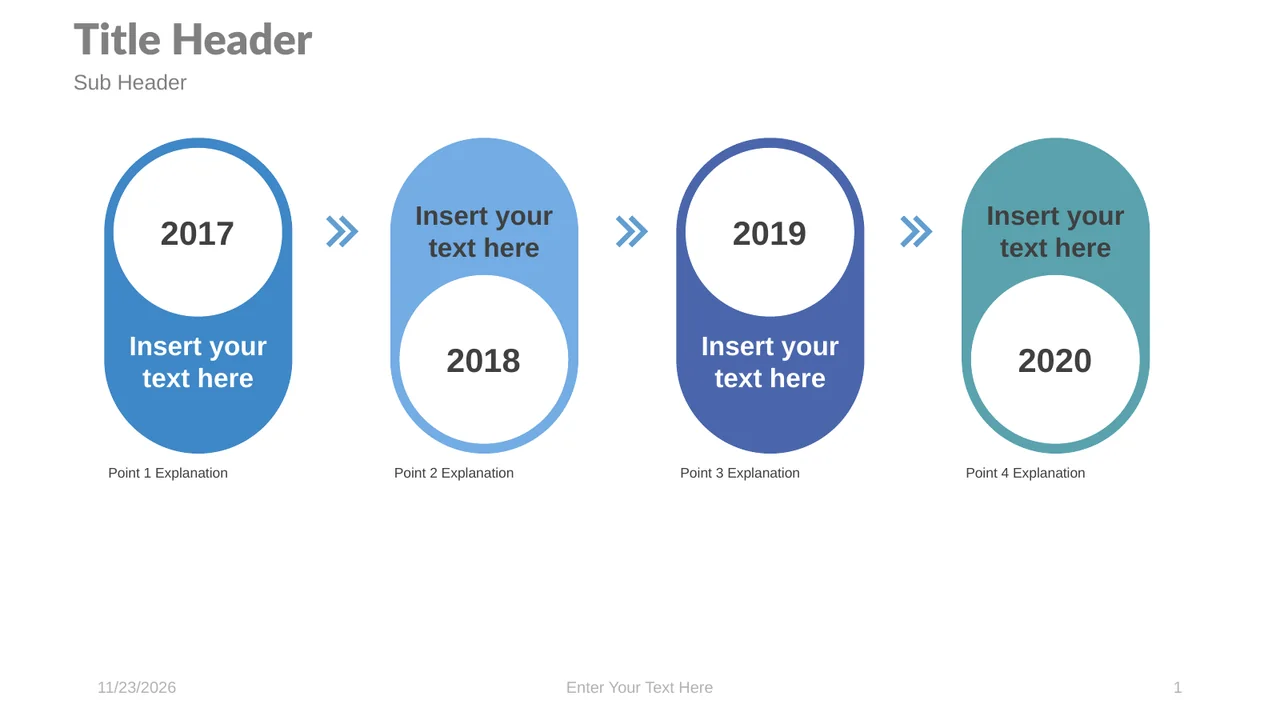 Four-Step Yearly Timeline Diagram PowerPoint Template – Summary Chart
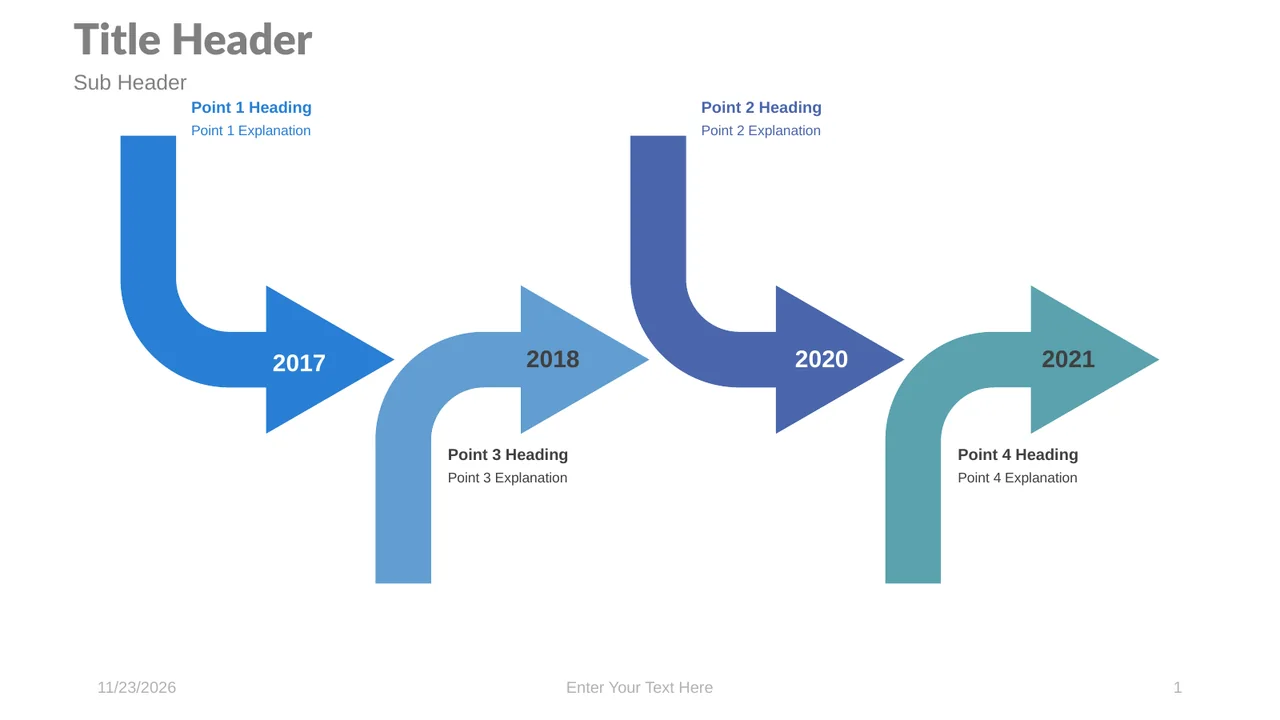 Four-Step Yearly Timeline Diagram PowerPoint Template – Visual Layout
 Four-Step Word Cloud PowerPoint Template – Visual Layout
 Four-Step Work From Home Enablement PowerPoint Template
 Four-Step Vision and Mission PowerPoint Template
 Four-Step Vision and Mission PowerPoint Template – Concept Framework
 Four-Step VR AR MR Diagram PowerPoint Template – Concept Framework
 Four-Step VR AR MR Diagram PowerPoint Template
 Four-Step Triangular Diagram PowerPoint Template – Visual Layout
 Four-Step Triangular Diagram PowerPoint Template