
Delivering a presentation that captivates, informs, and persuades is both an art and a science. Even the most compelling ideas can fall flat without a polished visual framework, clear flow, and meticulous final checks. This checklist walks you through every essential step, so you can walk into the room with confidence and leave a lasting impression.
Define Your Objective and Audience

Start every presentation by clarifying its core purpose and the people who will see it. Knowing whether you aim to inform, persuade, or inspire shapes every design decision, from colour palette to visual hierarchy.
Create audience personas that capture job roles, familiarity with the topic, and preferred learning style. This insight helps you select appropriate language, data depth, and visual metaphors that resonate with each group.
Structure Your Content Flow

A logical narrative guides the audience’s attention and reinforces retention. Begin with a strong hook, outline the agenda, develop key points in a progressive order, and finish with a memorable call‑to‑action.
Use the classic “problem‑solution‑benefit” framework or a story arc that introduces tension and resolves it. Map each slide to a single idea to avoid overload and keep the momentum steady.
Choose Consistent Visual Themes

Visual consistency builds credibility and reduces cognitive load. Select a colour scheme that aligns with your brand and the emotional tone of the message. Limit primary colours to three and use accent shades sparingly for emphasis.
Apply the same set of icons, shapes, and image styles across all slides. Consistent margins, alignment, and spacing create a clean, professional look that lets the content shine.
Optimize Typography and Readability
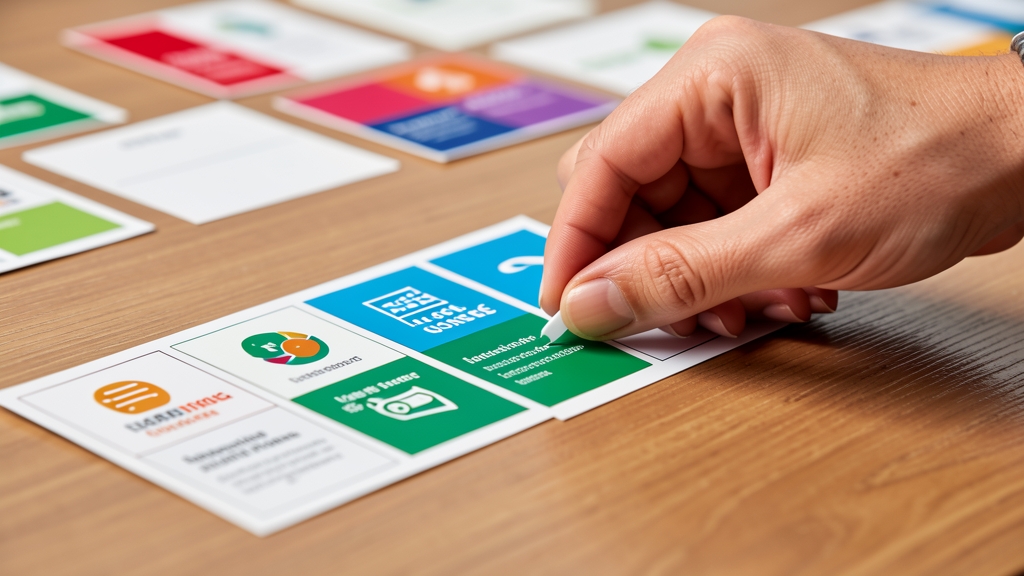
Typography is the silent messenger of your story. Choose sans‑serif fonts for headings and serif or a complementary sans‑serif for body text to ensure legibility from a distance.
Maintain a hierarchy by using size, weight, and colour contrast. Aim for a minimum of 24‑point type for body copy and avoid more than two font families in a single deck.
Refine Data Visualisation

Data should illuminate, not confuse. Transform raw numbers into clear charts, graphs, or infographics that highlight trends and key takeaways.
Stick to simple chart types—bar, line, or pie—when possible, and label axes and data points directly. Use colour strategically to draw attention to the most important metric.
Ensure Accessibility Standards

Inclusive design widens your reach and demonstrates professionalism. Use high‑contrast colour combinations for viewers with visual impairments and avoid colour‑only cues.
Add descriptive alt‑text to images, provide captions for videos, and ensure slide titles convey the main idea. A brief pause after each slide gives all audience members time to process the information.
Conduct Final Proofread and Timing Run‑through
Even the smallest typo can undermine authority. Run a spell‑check, then read each slide aloud to catch awkward phrasing and ensure logical flow.
Time your presentation with a stopwatch or timer app. Aim for 1‑2 minutes per slide, leaving buffer time for questions and technical hiccups.
Prepare Backup and Delivery Logistics
Technical glitches happen, so always have a contingency plan. Save your deck in multiple formats—cloud, USB, and PDF—and test it on the actual equipment you’ll use.
Arrive early to verify projector settings, clicker batteries, and audio levels. Pack a printed handout version for attendees who prefer a physical reference.
By following this comprehensive checklist, you transform a good presentation into an unforgettable experience. Ready to streamline your design process and impress every stakeholder? Try DesignStager’s AI‑powered tools today and bring your next deck to life faster than ever.
References & Further Reading
- Presentation — Wikipedia
An overview of presentation concepts, including purpose and audience considerations. - Presentation Design: 7 Tips To Make Your Slides More Effective — Forbes
Expert advice on structuring content flow and visual consistency for impactful decks. - How to Create a Presentation Deck: A Step‑by‑Step Guide — HubSpot
A practical guide covering objectives, audience targeting, typography, and readability.