
In today’s fast-paced, technology-driven world, presentations are a crucial tool for communication in both professional and educational settings. The ability to create engaging, informative, and well-designed presentations can significantly impact how your message is received by your audience. This is where AI presentation makers come into play, leveraging artificial intelligence to make the process of creating presentations easier, faster, and more effective.
Introduction to AI Presentation Makers

AI presentation makers have revolutionized the way we create and deliver presentations. With the help of artificial intelligence, these tools can assist in designing, formatting, and even suggesting content for your slides. This saves a significant amount of time and effort, allowing you to focus on the core message you want to convey.
Whether you are a student, a business professional, or an educator, AI presentation makers can be incredibly useful. They offer a range of templates, design suggestions, and automated formatting options that can elevate your presentation from basic to professional in minutes.
The best part about these tools is their accessibility. Most AI presentation makers are cloud-based, meaning you can access them from anywhere, at any time, as long as you have an internet connection. This flexibility is particularly beneficial for teams working on presentations collaboratively.
Key Features of Top AI Presentation Makers

When selecting an AI presentation maker, there are several key features to look out for. First and foremost, the tool should offer a wide range of customizable templates. These templates should cater to various presentation types, such as business reports, educational lectures, and marketing pitches.
Another crucial feature is the AI’s ability to suggest content and design elements based on the topic or theme of your presentation. This can include images, charts, and even text suggestions, all aimed at enhancing your message and engaging your audience.
Collaboration tools are also essential, especially for team projects. The ability to invite others to edit your presentation, track changes, and leave comments can significantly streamline your workflow and improve productivity.
Top AI Presentation Makers in 2026
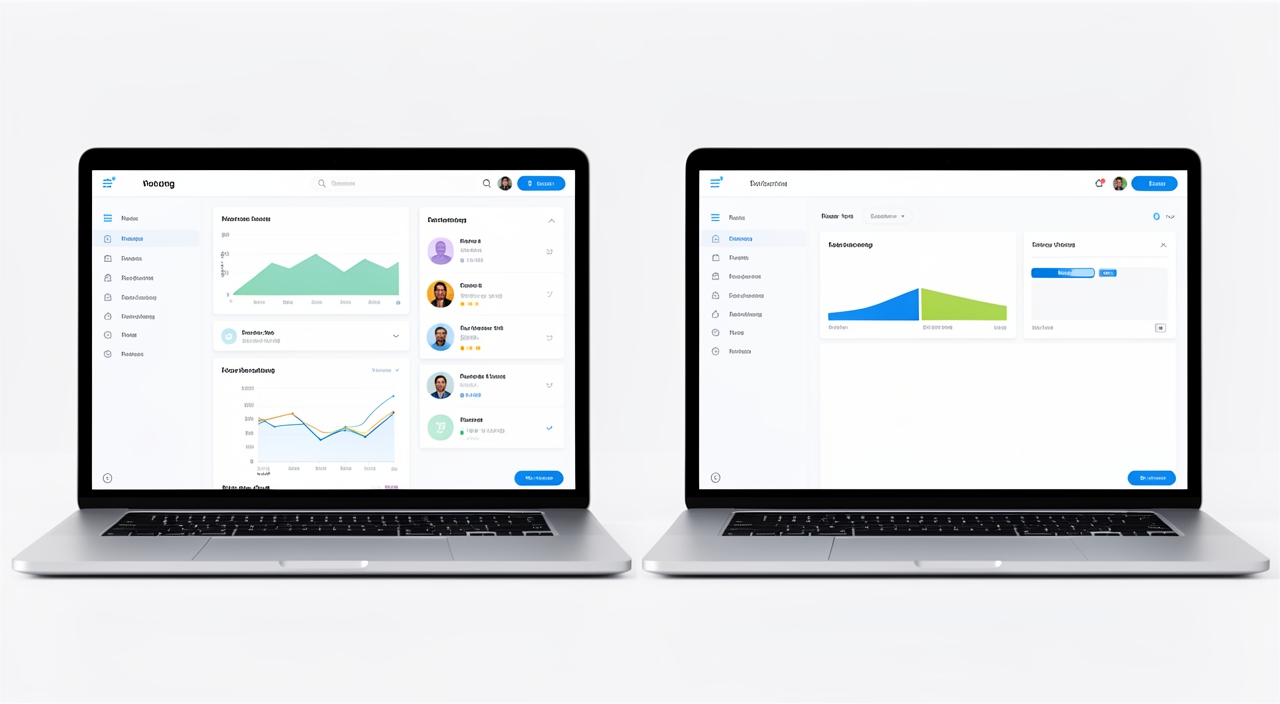
Several AI presentation makers stand out in 2026 for their innovative features and user-friendly interfaces. DesignStager, for instance, offers advanced AI-powered design suggestions and a vast library of templates and images. It also includes robust collaboration features, making it ideal for both individual and team projects.
Other notable tools include PowerPoint with its integrated AI features for design and content suggestions, and Google Slides, which offers seamless collaboration and automatic saving features. Each of these tools has its unique strengths and can cater to different needs and preferences.
When choosing the best AI presentation maker for your needs, consider factors such as ease of use, the quality of AI suggestions, and the availability of collaboration features. It’s also important to look at the pricing models and ensure that the tool fits within your budget.
Benefits of Using AI Presentation Makers

The benefits of using AI presentation makers are multifaceted. Firstly, they significantly reduce the time spent on creating presentations. With AI handling design and formatting tasks, you can focus on the content and message of your presentation.
Secondly, AI presentation makers can enhance the quality and consistency of your presentations. The AI ensures that your slides are professionally designed and formatted, which can improve audience engagement and retention of information.
Lastly, these tools promote collaboration and productivity. Team members can work together on a presentation in real-time, regardless of their location. This not only speeds up the creation process but also fosters a more collaborative and inclusive work environment.
Future of AI in Presentation Making

The future of AI in presentation making looks promising. As AI technology continues to evolve, we can expect to see even more sophisticated features in presentation software. This could include advanced content generation capabilities, where the AI can create entire sections of a presentation based on a topic or set of keywords.
Moreover, the integration of AI with other technologies, such as virtual and augmented reality, could revolutionize the way presentations are delivered and consumed. Imagine being able to step into a virtual environment to give a presentation, with the AI adjusting the setting and visuals in real-time to match your narrative.
While these advancements are exciting, it’s also important to consider the ethical implications of relying heavily on AI for content creation. Ensuring that AI-generated content is accurate, unbiased, and respectful will be a key challenge moving forward.
In conclusion, AI presentation makers are transforming the way we approach presentation creation. With their advanced features, collaborative capabilities, and time-saving functionalities, these tools are indispensable for anyone looking to elevate their presentation game. Whether you’re a seasoned presenter or just starting out, exploring the world of AI presentation makers can help you create presentations that engage, inform, and inspire your audience. Consider giving DesignStager a try to experience the power of AI in presentation making firsthand.
References & Further Reading
- Cloud Computing — Wikipedia
Cloud computing is a key factor in cloud-based presentation software. - The Future Of Work: How Collaboration And AI Are Changing The Workplace — Forbes
Team collaboration whiteboards are essential for remote teams to stay connected and productive. - The Ultimate List of Presentation Software — Hubspot
Comparison charts help users choose the best presentation software for their needs. - The Remote Work Era Is Here To Stay: These Tech Companies Are Leading The Charge — Techcrunch
Remote team collaboration tools have become essential in the modern workplace. - The Future of Virtual and Augmented Reality — Harvard University
The future of virtual presentations will likely involve more immersive technologies like virtual and augmented reality.